



Transfer any file from your iPod/iPhone to your computer
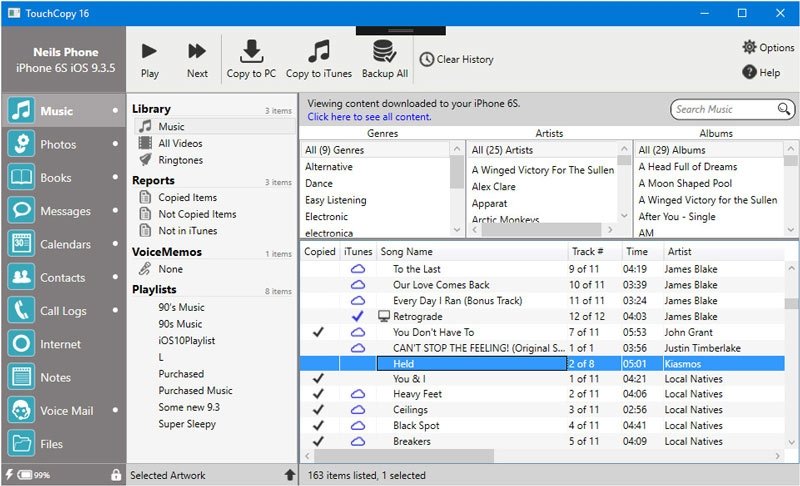
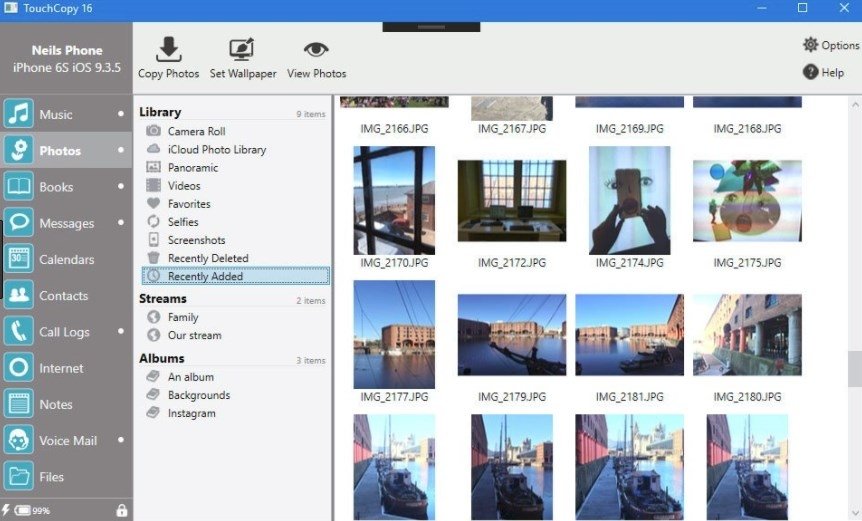
TouchCopy is a valuable application that provides total connectivity between our computer and our iPod or iPhone. This application has a simple interface similar to a file explorer, from which we'll be able to access our device with total ease.
Quickly transfer contents to your computer
You'll no longer lose your photos, songs, playlists and videos stored on your iPod, because with TouchCopy you'll be able to backup all your files on the hard drive or in iTunes. Furthermore, you will be able to copy and manage the Notes, Contacts and Calendars. Furthermore, it also offers you the possibility to play music and video on your iPod through your PC without requiring to use iTunes. All in all, we can use our iPhone or iPod Touch as if it were an external hard drive.
When we launch the application, TouchCopy will try to find your device. So you'll have to make sure that you have it connected to your PC. If you still can't detect it, you can try to disconnect it and plug it in again. You'll also have to make sure that your iPod and iPhone has “Use as Drive” activated so that TouchCopy can detect it.
Requirements and additional information:
- Requires .NET Framework 2.0 SP1 or above, iTunes and Windows XP SP2 or above.
- The trial version can be used for 15 days.
 Antony Peel
A Telecommunications Engineer, chance led me to the translation industry, where after a few years, I discovered another side of the world of technology while translating what others were writing about mobile applications and software. That...